Best PostgreSQL GUI Clients for Mac in 2026
Compare the top PostgreSQL GUI clients for macOS. We review Queryline, pgAdmin, DBeaver, DataGrip, TablePlus, and Postico to help you pick the right tool.
Working with PostgreSQL from the command line is powerful, but a good GUI client makes database work faster and more enjoyable. If you're on macOS, you have several excellent options — from free open-source tools to polished native apps.
In this guide, we compare the best PostgreSQL GUI clients for Mac in 2026, focusing on performance, features, and how they feel on macOS.
What to Look For in a PostgreSQL GUI
Before diving into the tools, here's what matters most:
- Performance: Can it handle large result sets without freezing?
- Native feel: Does it respect macOS conventions (keyboard shortcuts, system appearance)?
- Security: How are your database credentials stored?
- Price: Is it free, one-time purchase, or subscription?
The Contenders
1. Queryline
Price: Free Best for: Developers who want speed and simplicity
Queryline is a native macOS app built with Rust and Tauri. It's designed for developers who want a fast, focused database client without bloat.
Pros:
- Virtual scrolling handles 100k+ rows smoothly
- Credentials stored in macOS Keychain (not config files)
- Monaco editor with syntax highlighting
- Supports PostgreSQL, MySQL, SQLite, and Firestore
- Free and open source
Cons:
- Newer tool with fewer advanced features
- macOS only (for now)
2. pgAdmin
Price: Free (open source, PostgreSQL license) Best for: PostgreSQL administrators
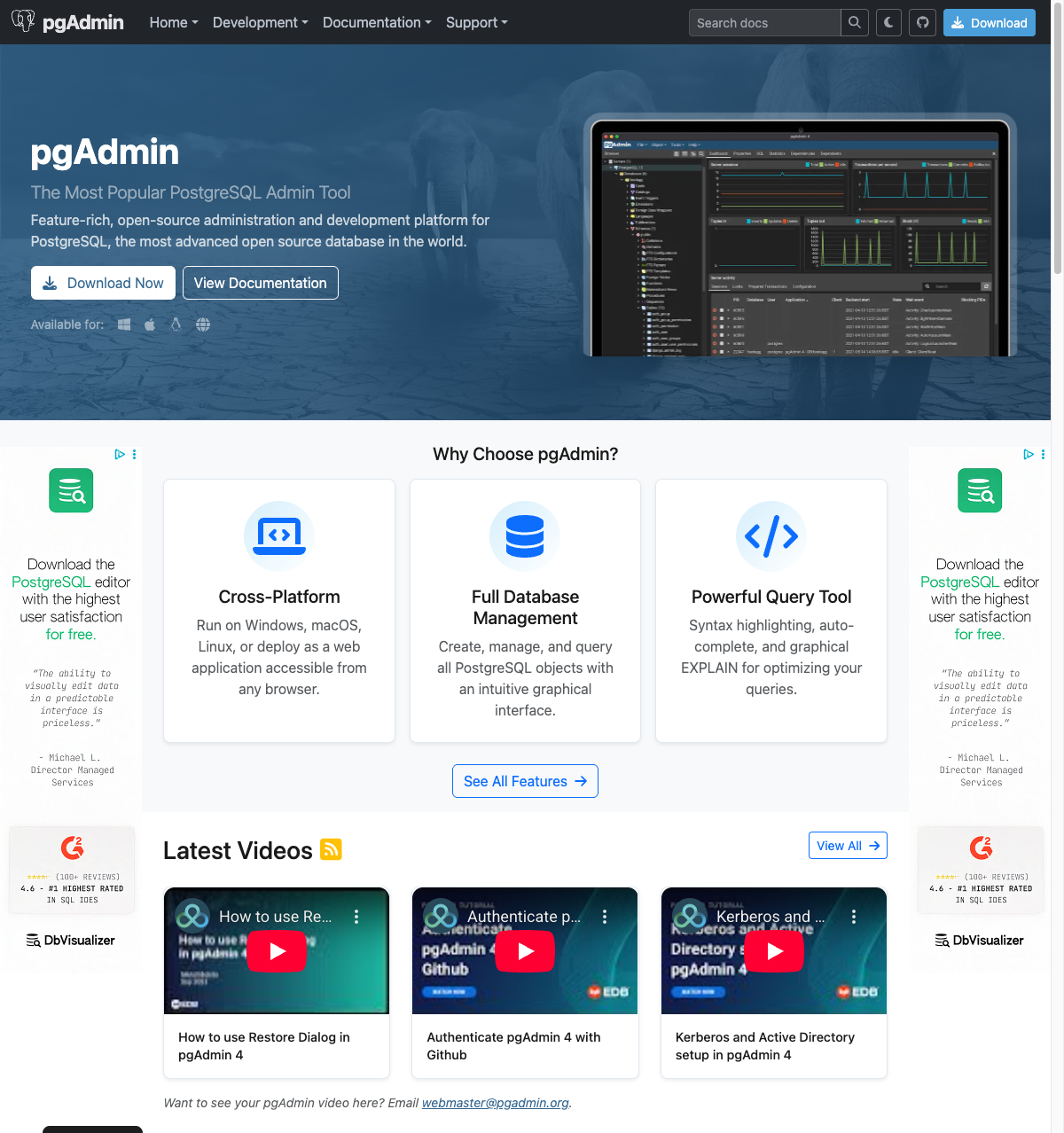
pgAdmin is the official PostgreSQL administration tool maintained by the PostgreSQL community. It runs as a web application but has a desktop wrapper for convenience.
Pros:
- Comprehensive admin features (users, roles, maintenance, backups)
- Works on all platforms (Windows, macOS, Linux)
- Completely free with no paid tiers
- Well-documented and actively maintained
Cons:
- Browser-based interface feels dated
- Slower with large result sets
- Complex UI can be overwhelming for simple queries
3. DBeaver
Price: Free (Community) / $250/year (Enterprise) / $500/year (Ultimate) Best for: Developers working with multiple database types
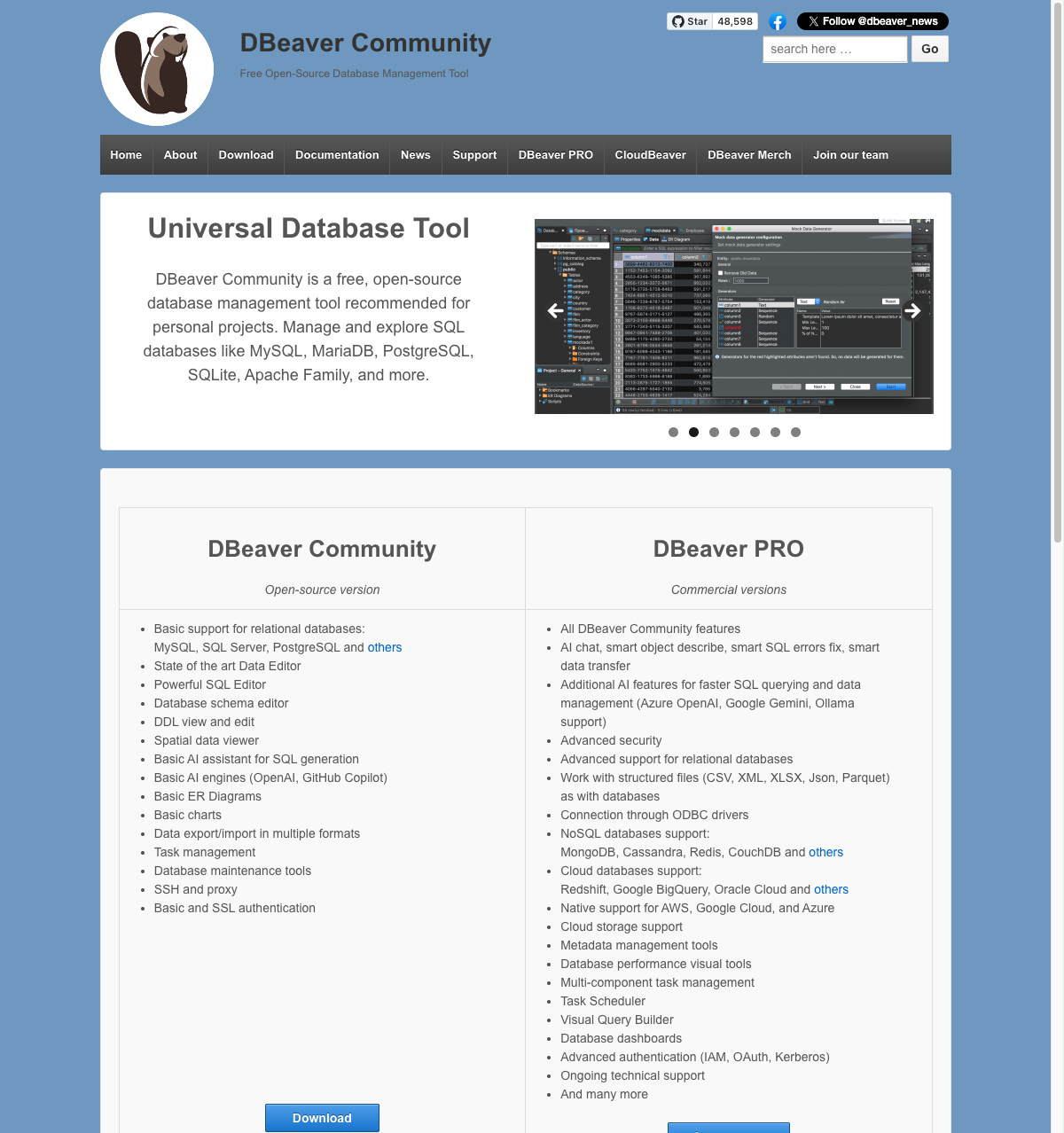
DBeaver is a Java-based universal database tool. The free Community edition connects to most databases, while Pro editions add NoSQL support and advanced features.
Pros:
- Supports 80+ databases
- ERD diagrams, data comparison, and more
- Active community and frequent updates
- Community edition is genuinely useful
Cons:
- Java app — slower startup and higher memory usage
- Interface can feel overwhelming
- NoSQL support requires paid Enterprise license ($250/year)
4. DataGrip
Price: Free (non-commercial) / $99/year (individual) / $229/year (business) Best for: JetBrains users and power users
DataGrip is JetBrains' database IDE. As of October 2025, it's free for non-commercial use (learning, hobbies, open source). If you use IntelliJ, PyCharm, or other JetBrains tools, it fits right in.
Pros:
- Now free for non-commercial use
- Excellent autocomplete and refactoring
- Deep IDE integration with version control
- Also included in JetBrains All Products Pack
Cons:
- Commercial use requires subscription ($99-229/year)
- Java-based (slower startup than native apps)
- Can feel like overkill for quick queries
5. TablePlus
Price: Free tier / $99 one-time (1 device) / $129 (2 devices) Best for: Developers who want a polished native GUI
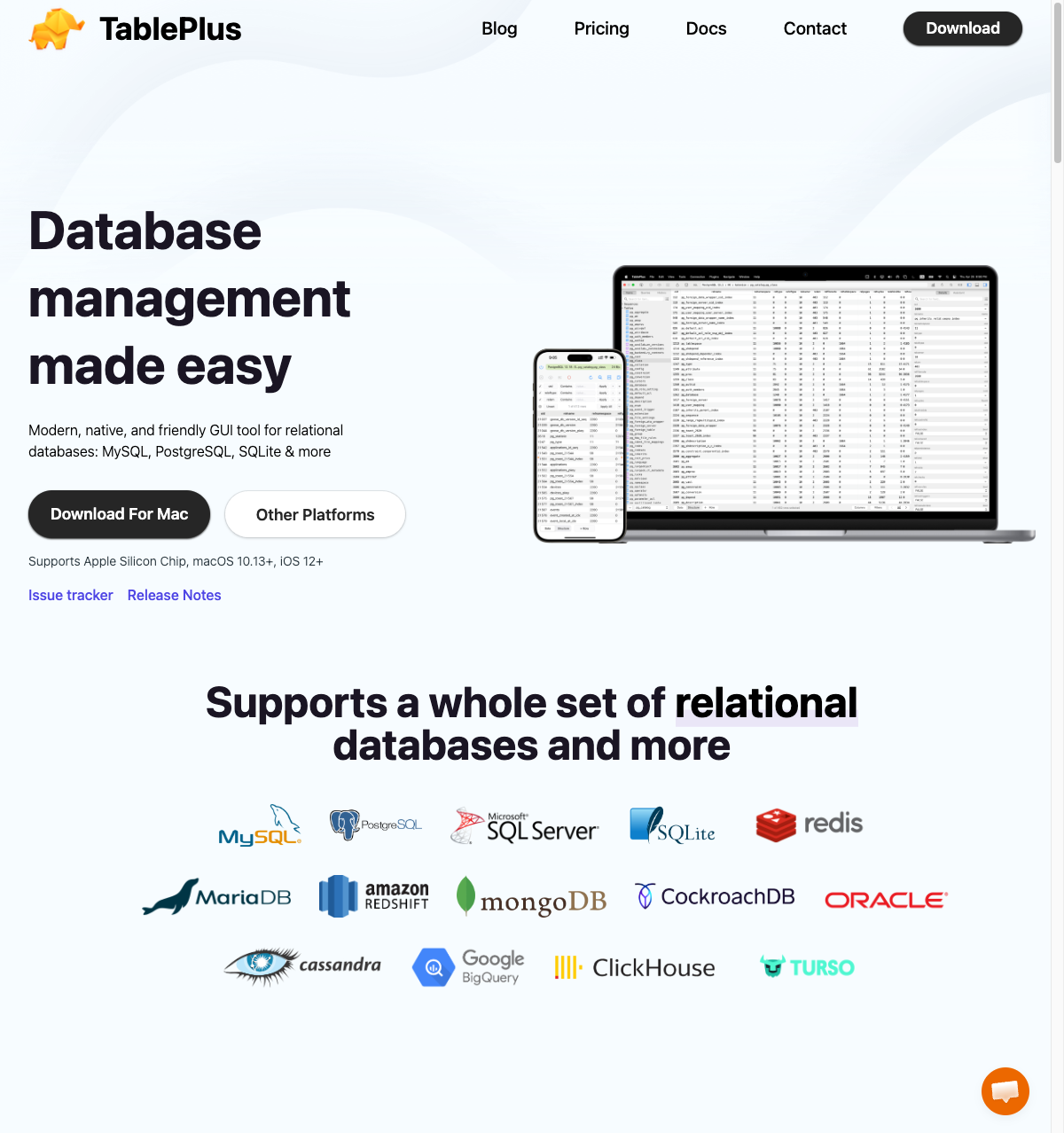
TablePlus is a popular native database client with a clean, modern interface. Available on macOS, Windows, Linux, and iOS.
Pros:
- Fast and responsive native app
- Clean, modern visual design
- Supports PostgreSQL, MySQL, SQLite, Redis, and more
- One-time purchase (perpetual license)
Cons:
- Free tier limits tabs and connections
- License is per-device ($99 each)
- Query editor less powerful than DataGrip
6. Postico
Price: Free trial / $29 (student) / $69 (personal) / $99 (commercial) Best for: Mac users who prefer simplicity
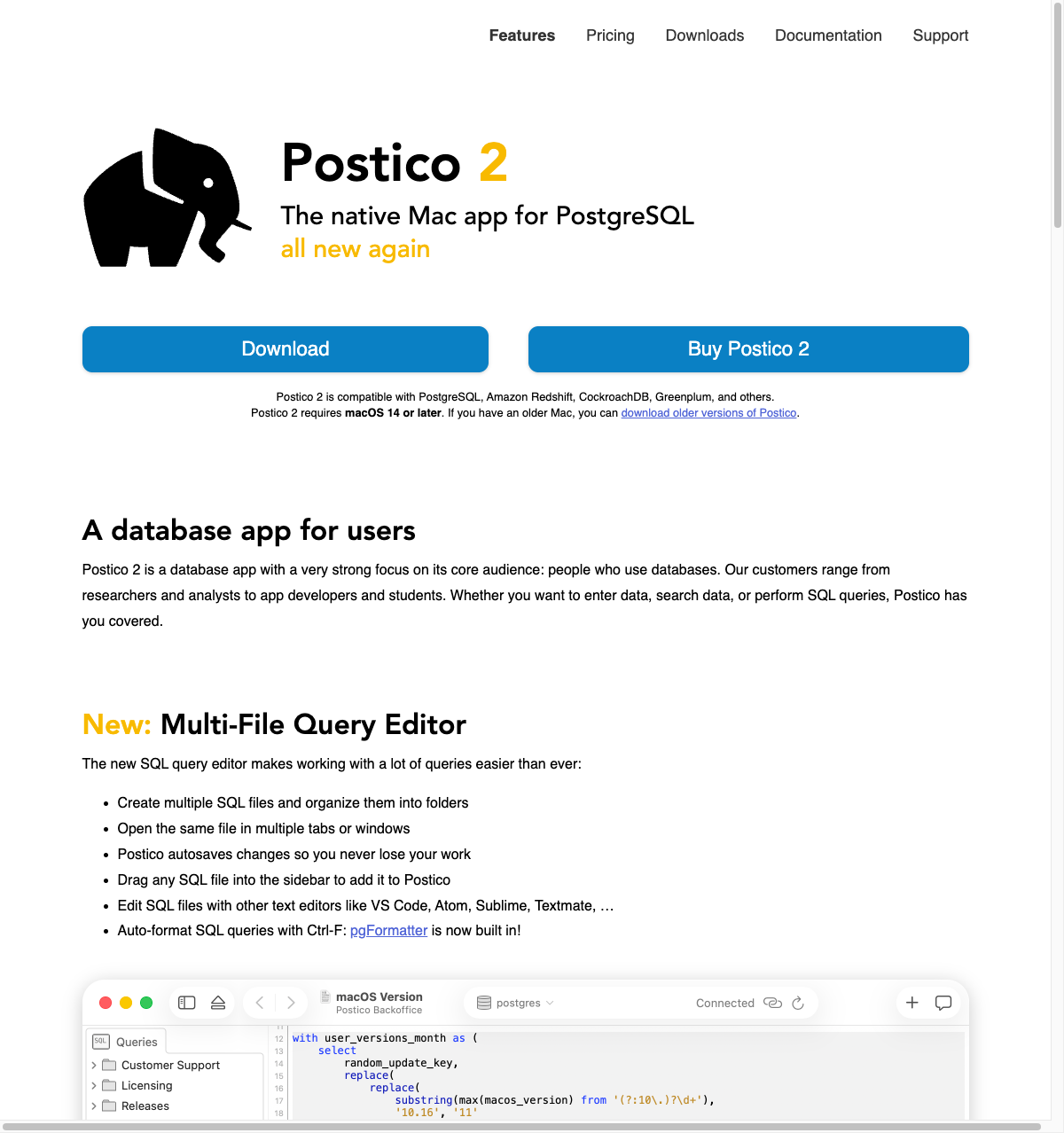
Postico 2 is a Mac-native PostgreSQL client with a focus on simplicity and beautiful design. The free trial has no time limit but some features are disabled.
Pros:
- Beautiful, native macOS interface
- Simple and intuitive to use
- Perpetual license (one-time purchase)
- Free trial with no time limit
Cons:
- PostgreSQL only (plus Redshift, CockroachDB)
- macOS only (requires macOS 14+)
- Fewer power-user features than DataGrip
Comparison Table
| Client | Price | Platform | PostgreSQL | Multi-DB | Native |
|---|---|---|---|---|---|
| Queryline | Free | macOS | Yes | Yes | Yes |
| pgAdmin | Free | All | Yes | No | No |
| DBeaver | Free / $250/yr | All | Yes | Yes | No |
| DataGrip | Free* / $99/yr | All | Yes | Yes | No |
| TablePlus | Free / $99 | All | Yes | Yes | Yes |
| Postico | Free trial / $69 | macOS | Yes | No | Yes |
*DataGrip is free for non-commercial use (learning, hobbies, open source).
Our Recommendation
If you're a Mac developer who wants a fast, native database client without the bloat, Queryline offers the best balance of speed, simplicity, and price. It's free, stores credentials securely in macOS Keychain, and handles large result sets better than most alternatives.
For teams that need advanced PostgreSQL admin features, pgAdmin remains the standard — and it's completely free. If you're learning or working on open source, DataGrip is now free for non-commercial use and offers excellent IDE features. For a polished native experience on macOS, TablePlus and Postico are both solid choices, though they require paid licenses for full functionality.
Ready to try Queryline? Download it free and start querying in seconds.